
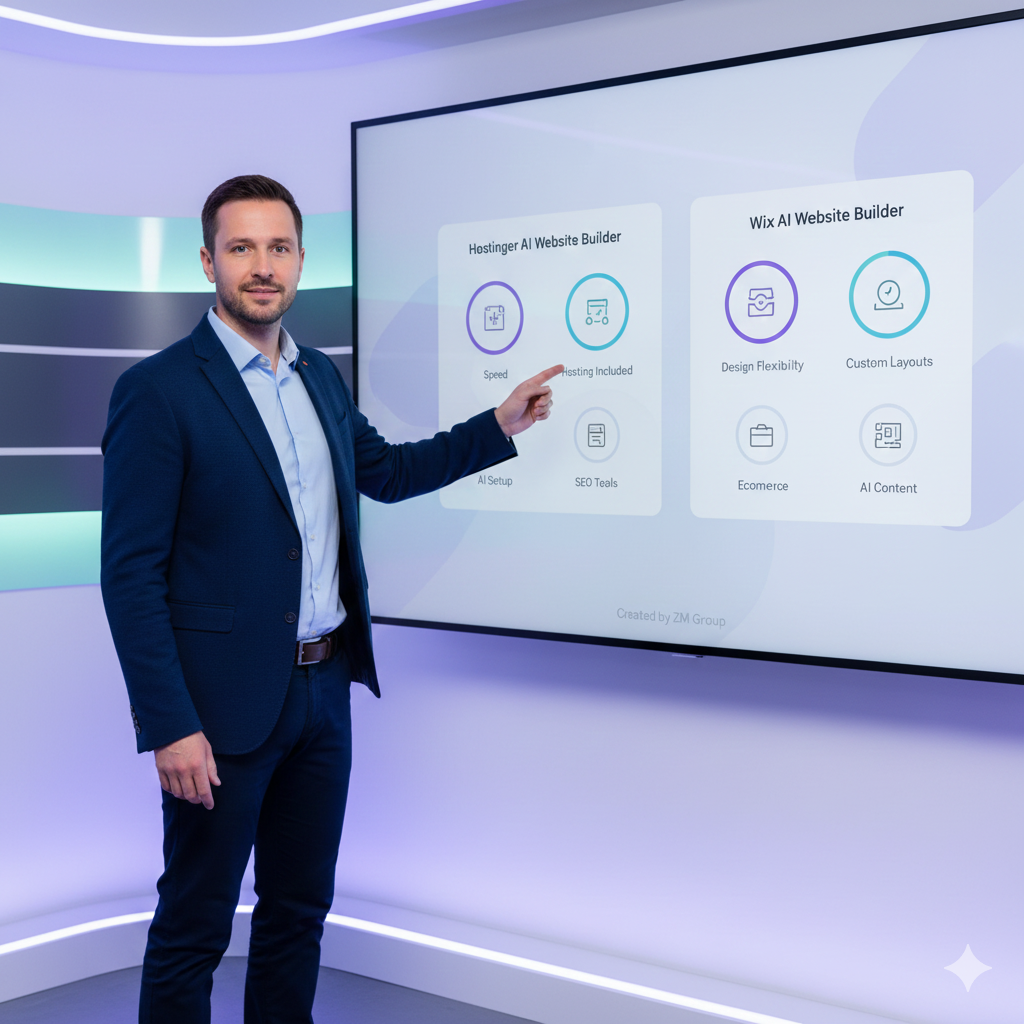
Building a website in 2025 is no longer “design first, launch later.” With AI website builders, you can describe your business in a few sentences and get a working site in minutes — then fine-tune it with drag-and-drop editing.
Two of the most popular choices right now are:
- Hostinger AI Website Builder (known for affordability + fast setup)
- Wix AI Website Builder (known for strong AI + deep customization)
This guide compares features, pricing/value, ease of use, SEO, and best use cases, so you can choose the right platform for your blog, portfolio, small business, or affiliate site.
TL;DR (Quick Summary)
- Choose Hostinger AI Website Builder if you want a fast, affordable “all-in-one” builder with hosting included and a simple workflow. hostinger.com+2hostinger.com+2
- Choose Wix AI Builder if you want maximum design flexibility, strong AI generation, and advanced business features — and you don’t mind paying more for premium plans. wix.com+2wix.com+2
✅ Best for value: Hostinger
✅ Best for advanced customization: Wix
What Is an AI Website Builder?
An AI website builder asks you a few questions (or chats with you) about your site, then automatically generates:
- Pages + layout
- Colors + fonts
- Starter text and sections
- Images (or image placeholders)
- Basic SEO structure
For example, Hostinger’s AI website generator can build a site from your description quickly and includes AI tools for site building and optimization in one package. hostinger.com+1
Wix AI website builder uses a conversational flow to produce a custom site you can edit deeply afterward. wix.com+1
Hostinger AI Website Builder Overview
Hostinger positions its builder as a fast, beginner-friendly solution that combines:
- AI website generation
- Drag-and-drop editing
- Built-in marketing/SEO tools
- Hosting + domain integration (depending on plan)
Hostinger also advertises a free 14-day trial for the AI builder experience (availability may vary by region/offer). hostinger.com
✅ Best for
- Beginners launching quickly
- Affiliate blogs, landing pages, simple business sites
- Budget-conscious creators
👉 Deal link (Hostinger): Unlock Hostinger’s Exclusive Discount (2025 Offers)
Wix AI Builder Overview
Wix’s AI builder focuses on:
- Strong AI-assisted site generation
- Deep customization after generation
- Large template ecosystem + business tools
Wix highlights that you can “start for free,” then upgrade to a premium plan when you’re ready. wix.com+1
Wix also states you can cancel within 14 days for a full refund on the initial upgrade (per their plan info). wix.com
✅ Best for
- Branding-heavy businesses
- Creators who want design freedom
- Users who want a mature ecosystem of site tools
Hostinger vs Wix AI Builder: Feature Comparison
1) Setup Speed & Ease of Use
Hostinger: Very fast setup, simple editor, “all-in-one” feeling. hostinger.com+1
Wix: AI generation is strong, but the platform offers many options (great power, slightly more complexity). wix.com+1
Winner: Hostinger for beginners; Wix for power users.
2) AI Quality (Content + Layout Suggestions)
Both provide AI site generation. TechRadar’s 2025 testing lists Wix as top and Hostinger as a strong affordable option among AI site builders. TechRadar
Winner: Wix (AI depth) / Hostinger (value).
3) Pricing & Value
Hostinger’s website builder pricing pages highlight multi-month deals and bundled features like multiple sites, storage, and marketing tools (plan details vary by offer/region). hostinger.com
Wix pricing depends heavily on plan and business needs, and it’s typically priced higher once you upgrade. wix.com+1
Winner: Hostinger for value.
4) Hosting & Domain Convenience
Hostinger: Builder is tightly integrated with hosting, which is convenient for new users who want one dashboard. hostinger.com+1
Wix: Fully hosted platform; domain connection depends on plan, and email is often handled via separate services (like Google Workspace). wix.com
Winner: Tie (both are hosted) — Hostinger feels simpler if you want “one bundle.”
5) SEO Tools & Ranking Potential
Both can rank well if you:
- Publish helpful content
- Use clean headings (H2/H3)
- Add internal links
- Optimize images (alt text + compression)
- Build topical authority
Your real SEO result depends more on content quality + site speed + internal linking than the builder alone.
That said:
- Hostinger emphasizes built-in SEO tools and integrations. hostinger.com
- Wix has a mature ecosystem and strong site building features widely recognized in 2025 AI builder comparisons. TechRadar
Winner: Tie — choose based on workflow and budget.
Which One Should You Choose?
Choose Hostinger AI Website Builder if you want:
- Lower cost, high value
- Faster “idea → website” workflow
- A simple platform for affiliate sites, blogs, and small business pages
✅ Recommended for your use case (tutorials + hosting content + affiliate blogging).
👉 Try Hostinger here: https://hostinger.com/?REFERRALCODE=ZMGroup25
Choose Wix AI Builder if you want:
- Maximum creative design flexibility
- A larger ecosystem for business features
- You’re okay paying more for premium capabilities
Real-World Scenarios
Scenario A: “I want a site today and I’m not technical.”
Pick: Hostinger
Scenario B: “I want a strong brand look and complex site customization.”
Pick: Wix
Scenario C: “I want to build multiple small niche sites.”
Pick: Hostinger (especially if your plan supports multiple sites). hostinger.com
Best Practices to Rank Faster (Works for Both)
- Publish 1–2 high quality posts per week (consistent)
- Add 3–6 internal links per post
- Use a short TL;DR near the top
- Use clear FAQs (Google loves them)
- Add original screenshots when possible
- Compress images + use descriptive ALT text
You may also explore these helpful categories:
If you want an affordable AI builder that includes hosting and helps you launch quickly:
👉 Secure Hostinger (Best Value in 2025)
If you’re specifically exploring email services later, use the email landing page link (with your referral):
👉 Hostinger Email Hosting Plans:
Affiliate disclosure: Some links in this article are affiliate links. If you purchase through these links, I may earn a commission at no extra cost to you.