
📌 Why This Guide Matters in 2026
In 2026, building a website is easier than ever — but the standards for performance, speed, SEO, and user experience have also gone up. A slow site, poorly optimized images, or bad UX can hurt your search rankings and traffic.
Choosing the right hosting + builder can make or break your site’s success. A service that handles hosting, SSL, speed, global delivery, and easy setup — all in one — saves you time and headaches.
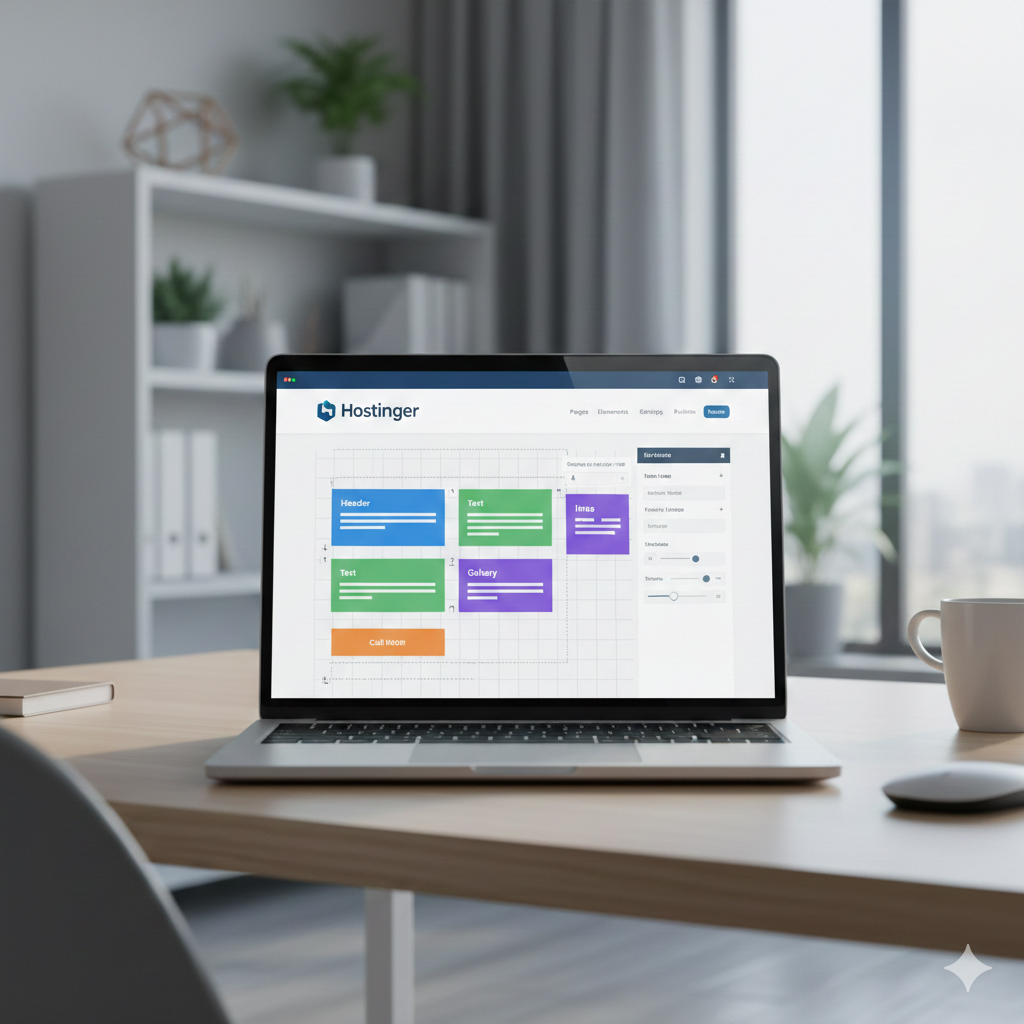
That’s where Hostinger’s Website Builder shines. It aims to give a full website stack with minimal technical know‑how — perfect if you want to launch fast and optimize for modern web standards without dev skills.
🔧 What You Get With Hostinger Website Builder (2026 Features)
Before we dive into the steps, here are the features and benefits you get when using Hostinger + its builder:
- ✅ Hosting + Domain + SSL in one place — no need to juggle multiple services.
- ✅ Fast SSD / NVMe hosting + caching + optimized servers — helps with load speed and reliability.
- ✅ Global data centers + built-in CDN (on eligible plans) — better latency for international visitors.
- ✅ Drag‑and‑drop builder with modern templates — fully responsive (mobile + desktop), updated designs for 2026 aesthetic.
- ✅ SEO‑friendly setup out of the box — friendly URLs, SSL (HTTPS), meta‑tag support, alt‑text for images.
- ✅ Built-in performance features — lazy loading, image optimization, caching, compressed assets — helps meet Core Web Vitals.
- ✅ Free or affordable extras — email hosting, basic analytics, support, sometimes domain included depending on plan.
- ✅ Scalable plans — start small, upgrade later (shared → cloud/VPS) if your site grows.
🛠️ Step-by-Step: Build & Launch a Site in ~1 Hour (Detailed)
Here’s a minute-by-minute breakdown — with extra tips to maximize site quality, speed, and SEO:
| Time | Step | Details & Best Practices |
|---|---|---|
| 0–5 min | Signup & Choose Plan | Sign up with your affiliate link below for discounts. Choose plan based on expected site size: • Simple blog/portfolio → Basic/Premium • Small business / small store → Business or Cloud plan If you expect growth, pick mid‑tier to avoid migration later. |
| 5–10 min | Choose Template / Niche | Select a template suited for your purpose (blog, e‑commerce, portfolio, services). Choose a clean, modern layout (2026‑style). Ensure it’s responsive (check mobile view). |
| 10–15 min | Set Up Pages | Create main pages: Home, About, Services/Products, Contact, Blog/News. Use “Add Page” + template sections (header, hero, features, testimonials, footer). |
| 15–25 min | Design & Branding | Customize with your brand colors and fonts. Add logo (use simple free tool if none). Upload hero images (optimize for web). Keep layout simple — too many animations can slow load times. |
| 25–35 min | Add Content & Media | Write your content (concise, clear, simple). Format headings (H1, H2, etc.) for SEO. Add images — compress them to <200 KB, use WebP if possible. Add alt-text using meaningful keywords. |
| 35–45 min | SEO Setup | Use SEO-friendly URL slugs (e.g. /best-web-hosting-2026/). Fill in meta title and meta description. Add relevant meta tags. If builder allows — add structured data (for articles/pages). |
| 45–55 min | Performance & Mobile Optimization | Test site on mobile and desktop. Enable caching if available. Run a speed test (GTmetrix, PageSpeed). If load >1s, re-check images and unnecessary blocks. |
| 55–60 min | Domain & SSL + Publish | If you bought domain via Hostinger — connect and SSL auto-activates. If external domain — update DNS. Publish the site publicly. Verify live site works (desktop, mobile). |
👉 Affiliate Link (for best pricing + discounts):
Start Website Builder + Hosting — Hostinger (Discount Offer)
✅ What to Do After Launch (First 24–48h)
- Submit to Google Search Console & Bing Webmaster Tools — helps index faster.
- Create sitemap.xml and robots.txt (builder may auto‑generate).
- Install analytics/tracking — Google Analytics / GA4, or built‑in stats if provided.
- Optimize images and lazy‑load (if builder supports) — reduces load times.
- Test across devices & browsers — mobile, tablet, desktop, Chrome, Safari, Firefox.
- Backup plan — if on lower plan, consider manual backups or external backup service.
🎯 Who Should Use Hostinger Website Builder — and Who Shouldn’t?
Ideal For:
- First-time bloggers
- Small business owners & freelancers
- Portfolio or personal brand websites
- Affiliate / review sites
- Landing pages or micro‑niche sites
- Side projects, test sites, MVPs
Not Ideal For:
- Large eCommerce stores with heavy traffic
- Sites needing advanced custom code, server-side logic, or custom CMS
- High-load applications (e.g. SaaS, membership with heavy usage)
- Multi-site networks or heavy WordPress plugin usage
📈 SEO & Ranking Strategy (2026 Friendly)
To maximize your chance of ranking — especially with AI‑driven search engines and Google in 2026 — follow these:
- Use semantic, well-structured content — clear headings, paragraphs, lists.
- Optimize for Core Web Vitals: fast load, responsive, optimized images, compression.
- Include meta data: title, description, alt text, structured data (articles, breadcrumbs).
- Focus on user intent & value: write helpful, informative content instead of fluff.
- Use a clean, professional design: minimal unnecessary scripts/plugins — avoid bloat.
- Include internal linking: even if only a few pages — helps with crawl & navigation.
- Social & backlink strategy: share on social media, forums, relevant communities; quality backlinks help.
🔚 Final Thoughts
Using Hostinger Website Builder in 2026 is one of the fastest, most cost‑effective ways to launch a fully functional, responsive, and SEO‑ready website — especially for beginners or small‑scale projects.
As long as you follow good practices (optimize performance, structure content, focus on user value), you can build a site in under an hour that performs well, looks professional, and is ready for growth.
If your project scales later — increased traffic, eCommerce store, custom backend — you can always upgrade hosting or migrate to a more flexible platform.
👉 Ready to start building your site today?
Get Hostinger Website Builder + Hosting Discount
Disclosure: This article contains affiliate links. If you purchase through these links, I may earn a small commission at no extra cost to you.